




O tej aplikacji
Features:
- Change title color;
- Show/Hide year in title;
- Change days color;
- Change hightlights colors;
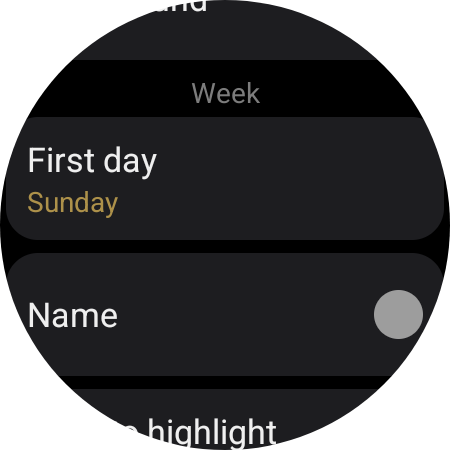
- Change first day of the week;
- Navigation (Lab feature!)¹ ².
¹ Lab features are in development and may present wrong results. By default lab features are disabled;
² The tile keeps its states (showing month) unless the day changes, then it returns to the current month.
Warning and Alerts:
- The tile refreshes automatically on day changes, however it may take up to 10 secs to the calendar render/change (Wear OS rules).
- Click on the calendar title to navigate back to the current month OR to refresh the current month;
- If the year is being displayed the month name will be abbreviated;
- Click on the calendar (days) to launch the app selected;
- If you are updating the app is recommend to remove and add the tile again after the update;
- This application is composed only of a tile;
- This application is for Wear OS.
Informacje o aplikacji
Co nowego
- New icon;
- targetSDK updated.
Uprawnienia aplikacji
-
Other
- view network connections
- run at startup
- control vibration
- prevent device from sleeping
- Google Play license check

Oceny i opinie
Won't get past Settings to show the actual calendar. Pixel Watch 5.
Absurd
Would be good to have a chance to see other months (forward or backward)...
Everything is great, with purposeful simplicity. However, the Navigation buttons to move to the next or previous month is too difficult to operate accurately (I keeps launching an assigned app). If the navigation to/from becomes easier, then it'd be 5 star.
Exactly what I was looking for. The similar info available on my pixelwatch2 preferred watch faces via complications is way too small for my less than perfect eyes.
Thank you for adding start week with Monday! Could you add choice for 2 weekends day, because now I can set Sunday or Saturday?


