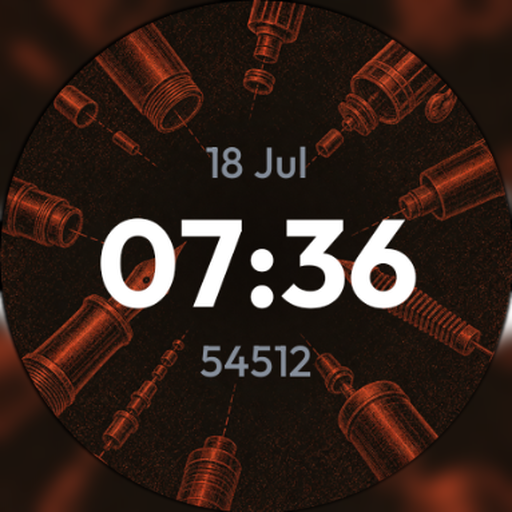
Field Mat – Utility watch face
Personalization
0.0
4 ดาวน์โหลด
"Matte olive, sand and gunmetal tones with oversized pressed chevron reliefs."


เกี่ยวกับแอปนี้
Field Mat renders a matte military-issue surface of enamel and brushed metal, its dust grain and wear catching bold, oversized chevrons, crosses and blocks pressed off-center into the material. The palette stays strictly subdued — olive, sand, gunmetal, bronze — grounded by a single restrained accent.
Ten tonal variants are available, including Orange, Blue, Violet and Jade, each keeping the same subdued, service-issue finish.
Personalize your wrist with 10 visual variants, right on the watch. Two customizable complication slots (long-press the face → Customize) show the date, heart rate, steps or battery. A discreet always-on display keeps the time readable while idle, without draining your battery.
• 10 visual variants to choose on the watch
• 2 customizable complications (date, heart rate, steps, battery…)
• Battery-friendly always-on display
• Native Wear OS format, no companion app required
Designed for Galaxy Watch, Pixel Watch and other Wear OS watches.
Ten tonal variants are available, including Orange, Blue, Violet and Jade, each keeping the same subdued, service-issue finish.
Personalize your wrist with 10 visual variants, right on the watch. Two customizable complication slots (long-press the face → Customize) show the date, heart rate, steps or battery. A discreet always-on display keeps the time readable while idle, without draining your battery.
• 10 visual variants to choose on the watch
• 2 customizable complications (date, heart rate, steps, battery…)
• Battery-friendly always-on display
• Native Wear OS format, no companion app required
Designed for Galaxy Watch, Pixel Watch and other Wear OS watches.
ข้อมูลแอป
เวอร์ชัน
1.0
อัปเดตเมื่อ
Aug 04, 2026
ขนาด
ต้องการ Android
รหัสแพ็คเกจ
com.hfc.cadranp.fieldmat
การติดตั้ง
4
หมวดหมู่
Personalization
มีอะไรใหม่
• Tap the date to swap it for steps, battery and more
• Date now shown in the watch language
• Date now shown in the watch language