Skipper: Analog Watch Face
Personalization
0.0
179 Завантаження
"Ideal watch face for daily wear with easy to read and obvious display"
Встановити в Google Play
Платное приложение




Про цей додаток
Skipper: Analog Watch Face for Wear OS
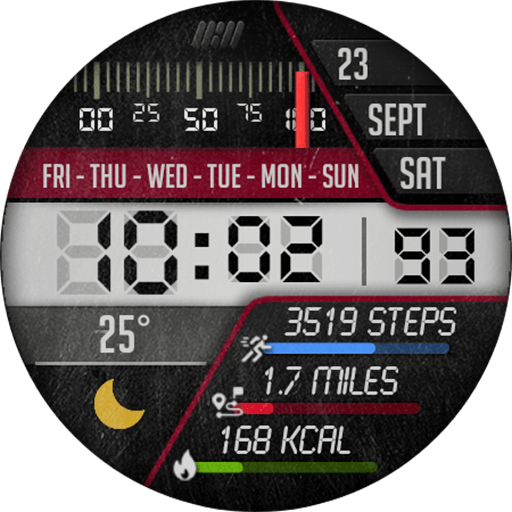
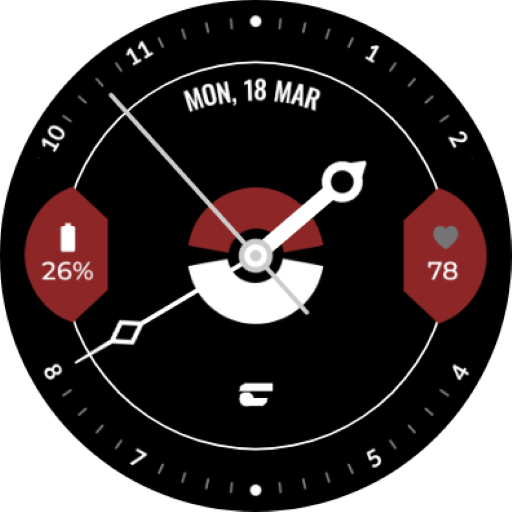
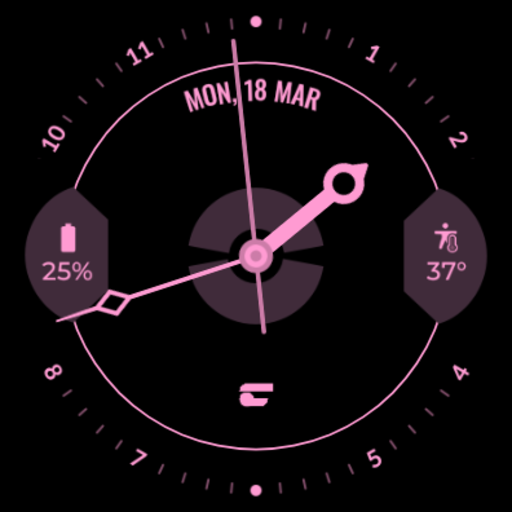
For the fashionable and bold man who enjoys the open ocean, this watch face style is great. A nautical design is offered on the Skipper Watch Face Design. This watch is utilitarian and ideal for daily wear thanks to its easy-to-read, obvious display.
Features:
- Date
- AOD Mode
- Customizable Complications
- Customizable Color
To modify the styles, tap and hold the watch face and select the "customize" menu (or settings icon under the watch face).
Enable the "Always on Display" mode in your watch's settings to show a low-power display while idle. This feature will require more batteries, so please be aware of it.
Installing the Watch Face:
1. Download an app to your phone.
2. Launch the Play Store app on your watch
3. Click on Apps on Your Phone
4. Download Watch Face from There.
Support all Wear OS devices with API Level 28+ such as:
- Samsung Galaxy Watch 4
- Samsung Galaxy Watch 4 Classic
- Samsung Galaxy Watch 5
- Samsung Galaxy Watch 5 Pro
- Samsung Galaxy Watch 6
- Samsung Galaxy Watch 6 Classic
- Casio WSD-F30 / WSD-F21HR / GSW-H1000
- Fossil Wear / Sport
- Fossil Gen 5e / 5 LTE / 6
- Mobvoi TicWatch Pro / 4G
- Mobvoi TicWatch E3 / E2 / S2
- Mobvoi TicWatch Pro 3 Cellular/LTE / GPS
- Mobvoi TicWatch C2
- Montblanc Summit / 2+ / Lite
- Suunto 7
- TAG Heuer Connected Modular 45 / 2020 / Modular 41
For the fashionable and bold man who enjoys the open ocean, this watch face style is great. A nautical design is offered on the Skipper Watch Face Design. This watch is utilitarian and ideal for daily wear thanks to its easy-to-read, obvious display.
Features:
- Date
- AOD Mode
- Customizable Complications
- Customizable Color
To modify the styles, tap and hold the watch face and select the "customize" menu (or settings icon under the watch face).
Enable the "Always on Display" mode in your watch's settings to show a low-power display while idle. This feature will require more batteries, so please be aware of it.
Installing the Watch Face:
1. Download an app to your phone.
2. Launch the Play Store app on your watch
3. Click on Apps on Your Phone
4. Download Watch Face from There.
Support all Wear OS devices with API Level 28+ such as:
- Samsung Galaxy Watch 4
- Samsung Galaxy Watch 4 Classic
- Samsung Galaxy Watch 5
- Samsung Galaxy Watch 5 Pro
- Samsung Galaxy Watch 6
- Samsung Galaxy Watch 6 Classic
- Casio WSD-F30 / WSD-F21HR / GSW-H1000
- Fossil Wear / Sport
- Fossil Gen 5e / 5 LTE / 6
- Mobvoi TicWatch Pro / 4G
- Mobvoi TicWatch E3 / E2 / S2
- Mobvoi TicWatch Pro 3 Cellular/LTE / GPS
- Mobvoi TicWatch C2
- Montblanc Summit / 2+ / Lite
- Suunto 7
- TAG Heuer Connected Modular 45 / 2020 / Modular 41
Інформація про додаток
Версія
Оновлено
Jul 24, 2024
Розмір
Вимагає Android
ID пакету
com.executivedesign.skipper
Установок
179
Категорія
Personalization
Що нового
Supported latest Wear OS version.
Дозволи програми
-
Wearable sensors/Activity data
- body sensors (like heart rate monitors)
-
Other
- reorder running apps
- control vibration
- prevent device from sleeping


Оцінки та відгуки
0.0
Всього оцінок
5
4
3
2
1
D
Daniel Chan
Jun 02, 2023
Cool