

Sharper Weather - Watch Face
Personalization
0.0
825 Downloads
"Capture moments that pass like a storm, second by second."
Install on Google Play
Paid App


About this app
🌟 Built for Wear OS
[ Only for Wear OS 5+ devices (API 34+)]
🌧️🌩️ Capture moments that pass like a storm, second by second.
FEATURES
● 🌤️ Weather images by weather conditions (Different images for day and night)
● 🌡️ Weather with High - Low temperature
● 🌧️ Chance of precipitation and Ultraviolet index with indicators
● 🌞 Tomorrow weather and chance of precipitation
● 🎨 30 Colour - 2 Fiber variants - Animated icons
● 📊 Steps - Distance - Calories - Battery - Heart rate - Calendar - 1 adjustable shortcut - Notification - Live moon phases
● 🕒 12/24 H (Based on your phone time setting)
● 🚧 Km/Mil supported (Automatically selected based on phone language (in United States and United Kingdom))
● 👀 Always on display supported
📌 INSTALLATION NOTES:
1 - 🔗 Ensure your watch is properly connected to your phone. Open the Phone App on your phone and tap on "DOWNLOAD TO THE WATCH", then follow the instructions on your watch.
⌛ A few minutes after tapping the install button on your watch, the watch face will be installed. You can then select your new watch face!
📱 The phone app serves as a placeholder to make it easier to install and find the watch face on your Wear OS device.
⚠️ Note: If you find yourself stuck in a payment loop, don’t worry! You will only be charged once, even if prompted to pay again. Wait 5 minutes or restart your watch and try again. This could be a synchronization issue between your device and Google servers.
2 - 💻 Alternatively, you can try installing the watch face from a web browser on your PC.
⚠️ Please note that any issues on this side are NOT developer-dependent. The developer has no control over the Play Store from this side. Thank you.
🔑 For full functionality, please manually enable Sensors & receive complication data permissions!
WEB
https://www.ekwatchfaces.com
INSTAGRAM
https://www.instagram.com/ekwatchfaces
FACEBOOK
https://www.facebook.com/ekwatchfaces
TWITTER
https://twitter.com/ekwatchfaces
PINTEREST
https://www.pinterest.com/ekwatchfaces
YOUTUBE
https://bit.ly/2TowlDE
[ Only for Wear OS 5+ devices (API 34+)]
🌧️🌩️ Capture moments that pass like a storm, second by second.
FEATURES
● 🌤️ Weather images by weather conditions (Different images for day and night)
● 🌡️ Weather with High - Low temperature
● 🌧️ Chance of precipitation and Ultraviolet index with indicators
● 🌞 Tomorrow weather and chance of precipitation
● 🎨 30 Colour - 2 Fiber variants - Animated icons
● 📊 Steps - Distance - Calories - Battery - Heart rate - Calendar - 1 adjustable shortcut - Notification - Live moon phases
● 🕒 12/24 H (Based on your phone time setting)
● 🚧 Km/Mil supported (Automatically selected based on phone language (in United States and United Kingdom))
● 👀 Always on display supported
📌 INSTALLATION NOTES:
1 - 🔗 Ensure your watch is properly connected to your phone. Open the Phone App on your phone and tap on "DOWNLOAD TO THE WATCH", then follow the instructions on your watch.
⌛ A few minutes after tapping the install button on your watch, the watch face will be installed. You can then select your new watch face!
📱 The phone app serves as a placeholder to make it easier to install and find the watch face on your Wear OS device.
⚠️ Note: If you find yourself stuck in a payment loop, don’t worry! You will only be charged once, even if prompted to pay again. Wait 5 minutes or restart your watch and try again. This could be a synchronization issue between your device and Google servers.
2 - 💻 Alternatively, you can try installing the watch face from a web browser on your PC.
⚠️ Please note that any issues on this side are NOT developer-dependent. The developer has no control over the Play Store from this side. Thank you.
🔑 For full functionality, please manually enable Sensors & receive complication data permissions!
WEB
https://www.ekwatchfaces.com
https://www.instagram.com/ekwatchfaces
https://www.facebook.com/ekwatchfaces
https://twitter.com/ekwatchfaces
https://www.pinterest.com/ekwatchfaces
YOUTUBE
https://bit.ly/2TowlDE
App Info
Version
Updated on
Sep 23, 2026
Size
Requires Android
Package ID
com.ekwatchfaces.sharperweather
Installs
825
Category
Personalization
What's New
- Security update performed.
App Permissions
-
Other
- pair with Bluetooth devices
- access Bluetooth settings
- control vibration
- Google Play license check

Ratings and Reviews
0.0
Total ratings
5
4
3
2
1
J
Jam R
May 17, 2026
A definite favourite watch face. Extremely clear and sharp images. Well thought out layout. Love all the information that is on the screen. Great choice of backgrounds for the corresponding weather. Highly recommended!
S
Senad
Feb 23, 2026
Super clean and easy to read. Beautiful colors and information layout. Super nice design. Great work!
M
Marc Allen
Jan 15, 2026
Sporty look and polished graphics 👍
L
Levere Breedlove
Jan 11, 2026
Great informative weather watch face with great weather animations.
Similar Apps

ML2U 378 Digital Tactical HUD
ML2U
0.0

Sharper Clock - Watch Face
EK Watch Faces™
3.8
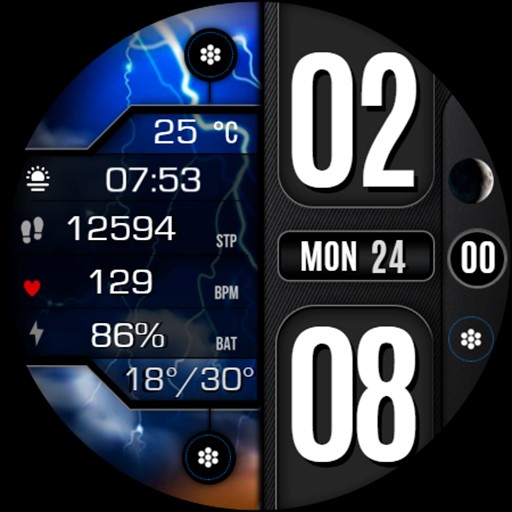
Weather Day & Night Digital 03
Inspire Watch
4.0

ML2U 369 Watch Face
ML2U
0.0
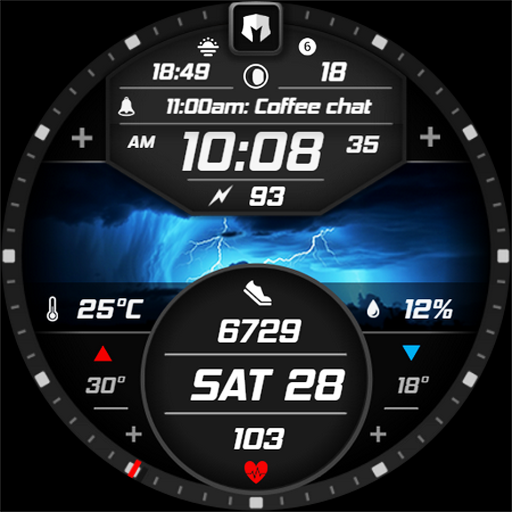
DM176 Striking Digital Modern
Dominus Mathias | Watch Faces
0.0

Informative Digital Weather A4
Inspire Watch
4.5


